AR Placement
Scan furniture items and bring them into your virtual room with AR precision.
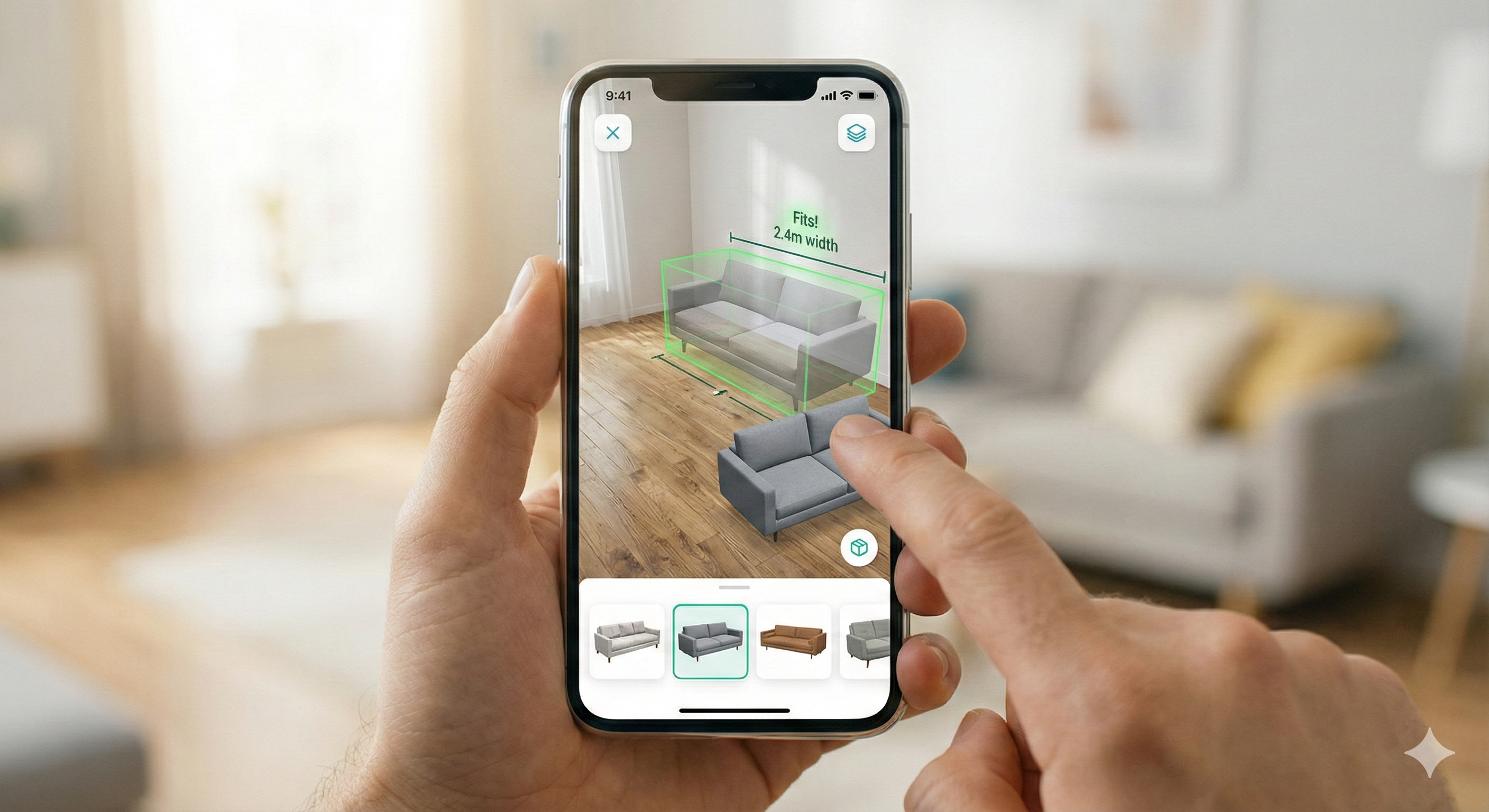
Scan furniture items and bring them into your virtual room with AR precision.
AR Placement lets you position virtual furniture in your 3D room model for an accurate preview befor arranging.
Scan your room to detect walls, floors, and spatial boundaries using your device camera.
Drag and position virtual furniture or decor within the detected space.
Automatically adjust size, rotation, and perspective to match real-world dimensions for a realistic preview.